
Google Chrome reigns supreme as the world's most popular web browser. But with great popularity comes great responsibility, especially when it comes to online safety. While Chrome boasts a robust security system, phishing scams, malware, and malicious websites continue to threaten everyone. Enter Google's new real-time Safe Browsing feature, an...
Spear Phishing vs Phishing: What Are The Main Differences?
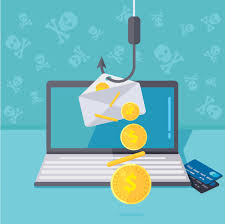
Threat actors love phishing because it works. It is particularly effective in cloud infrastructure—once they’re inside, they gain access to anything else related to that cloud. There were 1.6 billion potentially harmful emails sent during 2023. Almost half of them used phishing to obtain the passwords of users. This makes...
This New iPhone Security Feature Keeps Your Phone Safe from Thieves
There’s a new feature in iOS 17.3 to protect your iPhone from theft: Stolen Device Protection. With Stolen Device Protection enabled, a potential thief can’t change key security features on your phone even if they have your passcode, making it hard for a thief to wipe and resell – and...
Is This a Phishing Email? 8 Warning Signs to Look Out For
Cybercriminals use phishing emails to steal from or hack you. They pretend to be a legitimate business or person, making you think you're dealing with the real one. But if you look for these eight warning signs, you can avoid these emails. 1. Alarming Subject Line Cybercriminals use social engineering,...
How to View All the Devices Linked to Your iPhone
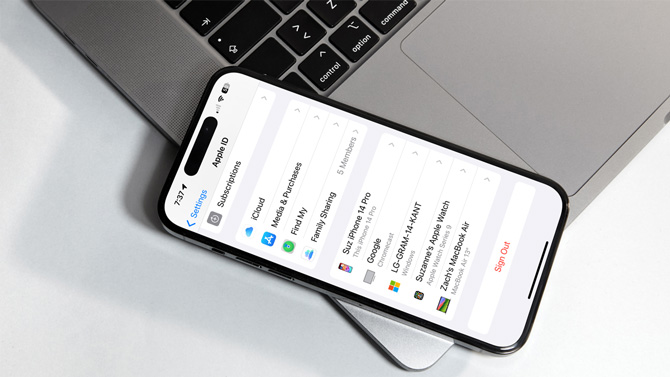
Have you ever wondered how many devices are linked to your iPhone – allowing them to access data like your iMessages, photos, and other personal data? The answer lies in the number of devices that use your Apple ID account. Every device that uses your Apple ID has the potential...