
Have you ever wondered how many devices are linked to your iPhone – allowing them to access data like your iMessages, photos, and other personal data? The answer lies in the number of devices that use your Apple ID account. Every device that uses your Apple ID has the potential...
Mishing Is the New Phishing — And It’s More Dangerous
Cybercriminals are shifting their focus from emails to text messages, using mishing — a more deceptive form of phishing — to target mobile users and infiltrate corporate networks Research has found a sharp rise in mobile phishing attacks, with cybercriminals moving away from traditional email scams in favor of SMS-based...
Update to iOS 18.3 Now to Fix a Dangerous Zero-Day Vulnerability
Apple has released iOS 18.3, and if you haven’t updated your iPhone or iPad yet, now is the time. The update fixes a critical zero-day security vulnerability that Apple says “may have been actively exploited’ in earlier versions of iOS. The Zero-Day ThreatThe most serious flaw fixed by this update,...
Why I Use a Privacy Screen When Working in Public
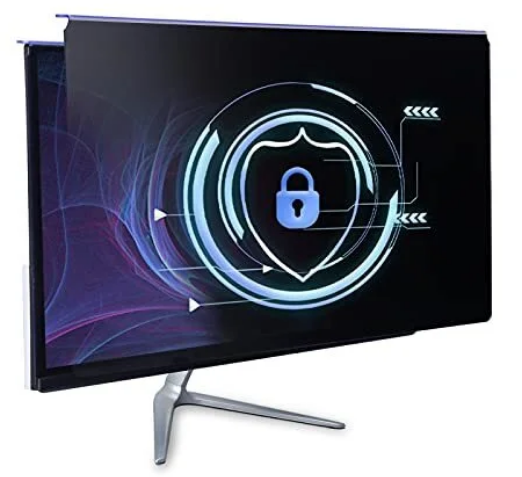
Privacy screens are an affordable way to protect yourself from nosy colleagues and strangers whilst traveling, but they aren't flawless. What Is a Privacy Screen? A privacy screen, sometimes referred to as a privacy filter, is a thin piece of material that's placed over your laptop screen (or monitor) to...
How to Keep Your Windows PC Secure on Public Wi-Fi
Many people underestimate the security risks associated with public Wi-Fi. They are typically unencrypted and leave your devices vulnerable to all sorts of cyber threats. If you often use public Wi-Fi, here are some steps you should always take to keep your PC secure. Protect Your Connection With a VPN...