
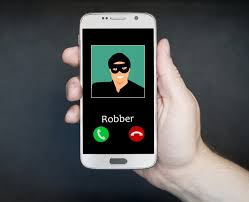
Our whole lives are on our phones, including our credit cards, private photos, and personal messages. So, it’s understandable to feel anxious when handing over your phone to a repair technician. Fortunately, Repair Mode on your Android device (called Maintenance Mode for Samsung Galaxy phones) lets you lock away all...
Use Your Phone to Scan Documents Directly into Google Drive
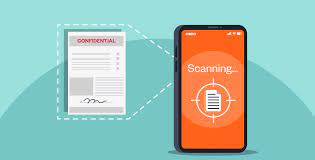
While most of our world is digital, the need to scan paper documents – from textbook pages and tax receipts to important paperwork – remains. For those using Google Drive, there's a convenient workaround to traditional scanning methods. The Google Drive app for both iPhone and Android comes equipped with...
This New iPhone Security Feature Keeps Your Phone Safe from Thieves
There’s a new feature in iOS 17.3 to protect your iPhone from theft: Stolen Device Protection. With Stolen Device Protection enabled, a potential thief can’t change key security features on your phone even if they have your passcode, making it hard for a thief to wipe and resell – and...
How to View All the Devices Linked to Your iPhone
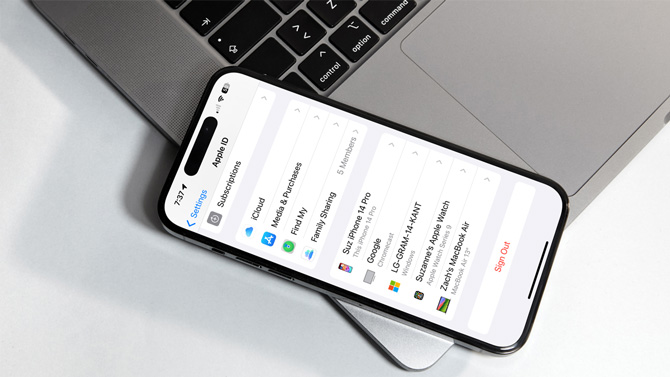
Have you ever wondered how many devices are linked to your iPhone – allowing them to access data like your iMessages, photos, and other personal data? The answer lies in the number of devices that use your Apple ID account. Every device that uses your Apple ID has the potential...
How to Protect Your Privacy on Public WiFi Networks
So you're at your favorite coffee shop, hopping onto the free WiFi with your tablet to check your social networks, read the latest news, and maybe take a quick peek at your bank balance while enjoying your latte. We've become so accustomed to constant Internet access wherever we are that...